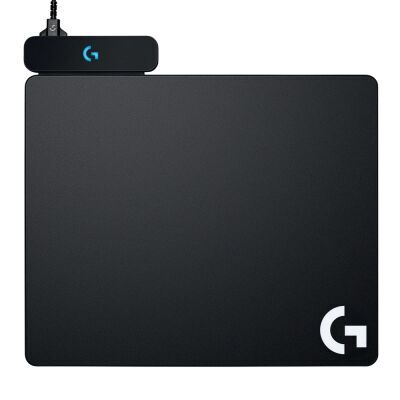
Mouse Pad Logitech G POWERPLAY 2 Wireless Charging System
Code: 145113
$219.95 inc GSTdoneAccepting Orders
A REVOLUTION IN GAMING
With POWERPLAY and LIGHTSPEED technology integrated, Logitech G has solved the barriers to high performance wireless gaming. Input lag, wireless drops and dead batteries are now a thing of the past. Wireless is the future of PC gaming, made possible through advanced science and unrivaled engineering.
INFINITE POWER
POWERPLAY provides endless play by keeping your compatible Logitech G mouse charged at all times, even while you game.
WIRELESS CHARGING TECHNOLOGY
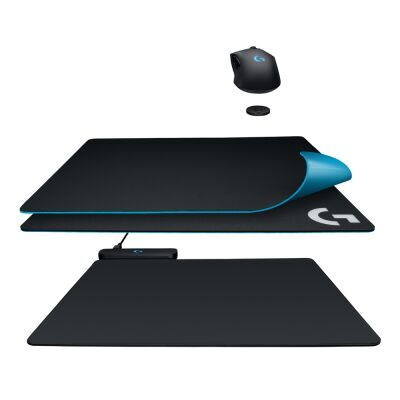
Through innovative application of electromagnetic resonance, the POWERPLAY base creates an energy field above its surface. This allows charging at all times over a large surface area.
POWERCORE™ MODULE
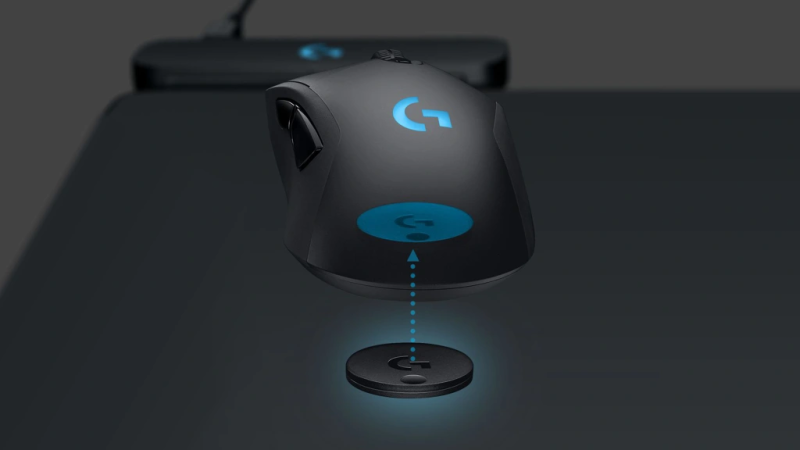
The POWERPLAY energy field is transformed into charging current by the POWERCORE module, which attaches magnetically to compatible wireless gaming mice. Just snap it in and play. We’ve made it that simple. So, group up fearlessly, grind ranks, raid to your heart’s content, and repeat—ad infinitum.
INTEGRATED POWER AND CONNECTIVITY
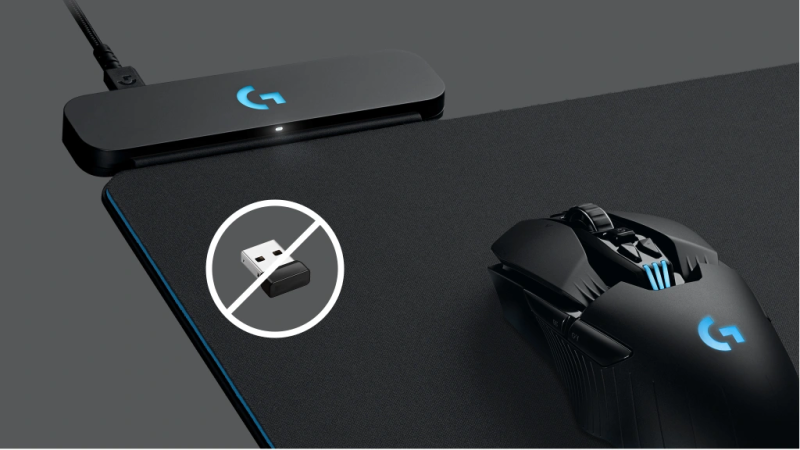
The POWERPLAY charging current and integrated LIGHTSPEED wireless receiver are both powered with one cable. This puts the LIGHTSPEED connection right next to your mouse for the fastest and most reliable connection and eliminates the need for an additional USB port for the wireless receiver.
LIGHTSPEED™ WIRELESS TECHNOLOGY
Logitech G invented LIGHTSPEED wireless technology to deliver the ultimate in high-performance wireless gaming.
POWERPLAY™ GAMING MICE
Non-Stop Wireless Charging: The POWERPLAY 2 gaming mouse pad features exclusive technology that continuously powers your compatible mouse while in motion and at rest, ensuring uninterrupted gaming Plug, Power,
Play: Connect the wireless charging system via USB-A cable to PC or power adapter, insert the Coin into your gaming mouse, and you're forever untethered and ready for action Future- Ready Wireless: Embrace evolution with the POWERPLAY 2, a wireless charging pad that's fully compatible with all current and future Logitech G wireless tech, including LIGHTSPEED 4 KHz 10+ Compatible Mice: Join the ever- expanding POWERPLAY family of Logitech G mice; with more on the horizon, you get your top pick in gaming mice Sleek and Comfortable:
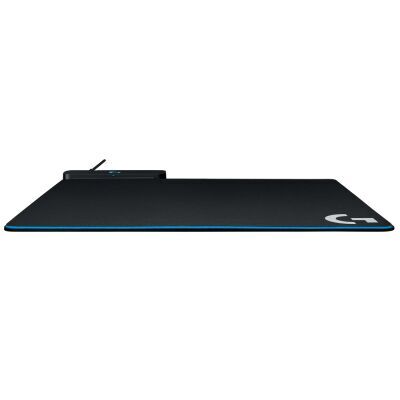
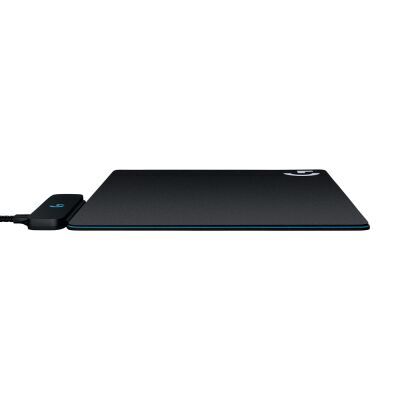
With a slim 3.5 mm profile, this wireless charging mat is designed for peak performance and prolonged comfort, so you can make the most of every session Mouse Sold Separately: Requires a Logitech G mouse with POWERPLAY compatibility
IN THE BOX MOUSE IS NOT INCLUDED IN THE PACKAGE CONTENT
- POWERPLAY Base
- POWERCORE Module
- Hard Gaming Mouse Pad (G440)
- Cloth Gaming Mouse Pad
- USB cable
- User documentation